




2025 Guide: Fair Third Party Content Agreements for YouTube Channels & Creators
Estimated reading time: 20 minutes
Thank you for reading this post, don't forget to subscribe!Setting Up Fair Agreements for Third Party Content on Your Channel (2025 Creator’s Guide)
A creator sits in front of their screen, headphones on, finger hovering over the publish button. The video is ready, packed with quick memes, trending songs, and eye-catching art pulled from around the web. But before going live, there’s a pause. Every borrowed riff or viral image could bring a copyright claim or even a strike that shuts the channel down.
It only takes one unchecked music track or unlicensed photo to have weeks of effort blocked or removed. Fair agreements aren’t just box-checking or paperwork—for creators, they’re the difference between building momentum and grinding to a sudden halt. A clear deal for every clip, song, or third party image keeps your channel safe and income flowing. With the right approach, you can share great content and avoid the risks that cause so many headaches for online creators.
Learn how to recognize what needs permission, handle common scenarios, and set up agreements that protect your work and your future as a creator.
Watch on YouTube: Media Lawyer Explains Fair Use
Understanding Rights and Licenses
Before using any clip, tune, or image that you didn’t make yourself, you should know the rules that keep creators out of trouble. Rights and licenses are not just legal fine print—they are the backbone of safe and successful content. If you rush past them, your channel can face takedowns, loss of revenue, and even legal threats. With clear knowledge, you gain control over what you use, what you share, and how you stay protected. Below, you’ll find the basics laid out in plain terms.
Copyright Basics for Video Creators
Think of copyright as a lock on creative work—only the owner holds the key. In the simplest terms, copyright is the law that protects original works the moment they are created and made tangible. You can’t see it, but it works behind the scenes every time you upload a video.
Copyright covers things like:
- Music: Songs and soundtracks, even if only a few seconds.
- Footage: Video clips, animations, or B-roll you didn’t shoot.
- Graphics and Images: Logos, illustrations, still frames, emojis.
- Scripts and Spoken Word: Voiceovers, skits, or narrative text.
If you use someone else’s work without permission, you risk a copyright claim or a full-blown strike on your channel. It doesn’t matter if you give credit or tweak the original—rights still belong to the creator unless they’ve given you clear permission to use it. For a deeper dive, see the 2025’s Complete Guide to YouTube Copyright Rules.
Types of Licenses
There are different ways to legally add music, footage, or graphics from other creators to your content. Each license comes with its own rules. Knowing what you can and can’t do is key to avoiding mistakes.
The most common licenses video creators run into:
- Royalty Free Libraries: Pay once or nothing, then use the content as much as your license allows. Terms vary—always check if you need to credit the artist and if commercial use is allowed.
- Creative Commons (CC): A license type that makes sharing work easier. Some CC licenses only require credit, while others have extra rules like no changes or non-commercial use only. Always read the details so you don’t break the chain.
- Single‑Use Purchases: You buy content for one project or video. This is common for high-demand footage, premium songs, or exclusive graphics.
Key Tips for Staying Safe:
- Always read the terms, not just the headline.
- Look for restrictions on commercial use.
- Save your license receipts—platforms may ask for proof later.
- If in doubt, reach out to the publisher or creator for clarity.
You can get more info about these rules at the Creative Commons Copyright Basics.
Public Domain and Fair Use Limits
Some creative works are free for everyone, but with limits you need to understand. In the United States, anything published before 1926 is in the public domain, which means you can use it however you want—no need to ask, no fees, no credit required.
Fair use is a gray zone that lets you use small pieces of copyrighted work under special conditions, like commentary or parody. But fair use is a narrow safety net, not a broad shield. Platforms or copyright owners can still take content down if they believe you went too far. Relying on fair use should feel like walking a tightrope—risky and best avoided unless you know the law or get advice.
Here’s a quick table for reference:
| Use Case | Is it Safe? | What’s Required? |
|---|---|---|
| Public Domain (before 1926) | Yes | Nothing |
| Royalty Free License | Usually, if terms followed | License purchase, maybe credit |
| Creative Commons | Sometimes, depends on terms | Credit, obey license |
| Fair Use | Rare, risky | Legal reasons, limited use |
For more on the legal side of fair use in 2025, check out recent guidance on US Copyright Office AI Fair Use Guidance.
AI‑Generated Content Rules
The rise of AI tools has made it easy to pop out music, images, and even full videos in seconds. But when it comes to copyright, there’s a catch: as of 2025, India and the US have refined their rules around AI creations. Purely AI-generated work, without meaningful human creativity, cannot be copyrighted. If a machine does all the work, nobody holds the rights.
If you use AI in your content, remember:
- Add your creative touch: Edit, remix, or direct the AI’s output.
- Be transparent: Let viewers know in your video description if you used AI.
- Don’t use mass-produced, unedited AI clips: They lack originality and could create future disputes.
Knowing the new AI rules helps you avoid mistakes that could lead to takedowns or lost revenue, so always add a human element to any machine-generated content and keep records of your creative input.
By understanding these basics, you keep your channel clear of common pitfalls and give yourself room to grow with confidence.
Building Clear Contracts with Creators
A handshake or a quick chat might seal smaller favors, but when it comes to your channel’s future, nothing keeps you safer than a contract in writing. Think of a contract as your creative seatbelt: it protects both you and the creator from misunderstandings, sudden claims, or dashed expectations. While trust is essential, only the details on paper guard you once a project is rolling or money changes hands. Solid contracts reduce the odds of drama if a video goes viral or if a partner demands credit after a piece takes off. Below, you’ll find the key points that every fair contract for third party content should cover.

Photo by Kampus Production
Scope, Ownership, and Payment
Clear contracts spell out exactly what is being created, who owns what, and when payment is due. This keeps everyone on the same page from day one.
When setting up an agreement, include:
- The Scope: Lay out what the creator will deliver—a script, music track, artwork, or video segment. Be as specific as possible.
- Ownership: State if your channel keeps full rights or if the creator keeps any shares. Make it clear who can reuse or share the final piece.
- Payment Terms: Never leave money as a mystery. Summarize the agreed fee, what it covers, and when it will be paid—on delivery, on acceptance, or in milestones.
- Timelines: Add delivery dates with space for revisions if needed.
A sample breakdown might look like this:
| Section | Detail Example |
|---|---|
| Work | “5-minute highlight reel” |
| Format | “1080p video, exported .mp4” |
| Ownership | “Full copyright to channel” |
| Payment | “₹7,000 on delivery” |
| Deadlines | “First draft by 10th, final by 15th” |
For more guidance on structuring these contracts, check out the detailed recommendations in Brand Contracts: 7 Essentials Content Creators Should Know.
Attribution and Credit Requirements
Some licenses require you to give credit, while others don’t. Ignoring attribution rules can trigger takedowns or complaints, so always spell this out in your contract.
If credit is required, make it crystal clear:
- Location: Say where credit goes—in the video description, at the end of the video, or as a watermark.
- Format: List how the creator’s name, link, or branding should appear.
For example:
- “Music by [Artist] in video description.”
- “Art by [Creator] as an on-screen overlay for 3 seconds.”
This protects you if someone later says they were left uncredited, and gives proper recognition as agreed. Best practices for licensing and attribution can be found at Legal Best Practices for Licensing Copyrighted Content.
Exclusivity and Non‑Compete Terms
Sometimes, you might need a creator to work only for you for a while. This is called exclusivity. It’s useful when building a brand or rolling out unique video series, but it shouldn’t trap the other party.
If exclusivity matters, address:
- Scope: Is exclusivity for this exact project or all work for your channel’s type?
- Duration: Keep it reasonable—often 3 to 6 months.
- Exceptions: Allow creators to work with non-competing channels or on other platforms if you agree.
Avoid blanket non‑compete terms. They can hurt goodwill and may not stand up if tested later. Think fairness—a short exclusive window is usually all that’s needed.
Confidentiality and Termination
Not all projects reach the finish line, and surprise leaks can ruin months of planning. Contracts should protect any material that’s not ready to go public, keeping it safe and private.
Key clauses to include:
- Confidentiality: Both sides agree not to share drafts, concepts, or unused footage. This stops premature leaks and surprises.
- Termination: Either party can end the deal if terms get broken—like missed payments or failed delivery. Detail what happens to delivered work and if any payment is due.
A solid confidentiality and exit clause makes it safe to work together, knowing neither side can use unfinished content or hold projects hostage. For more on effective content licensing terms, check out this primer on content licensing for creators.
With these building blocks in every contract, you’ll help your projects run cleaner and build trust—for both your channel and your collaborators.
Using Platform Tools to Manage Claims
YouTube does more than just host videos. It quietly runs a powerful system behind the scenes, tracking every second of content for copyright issues. If you want to share music, clips, or art from other creators, knowing how to steer YouTube’s platform tools puts you in the driver’s seat. These features let you spot problems fast, filter claims, and even turn copyright into collaboration with revenue sharing or tracking.
Content ID Overview
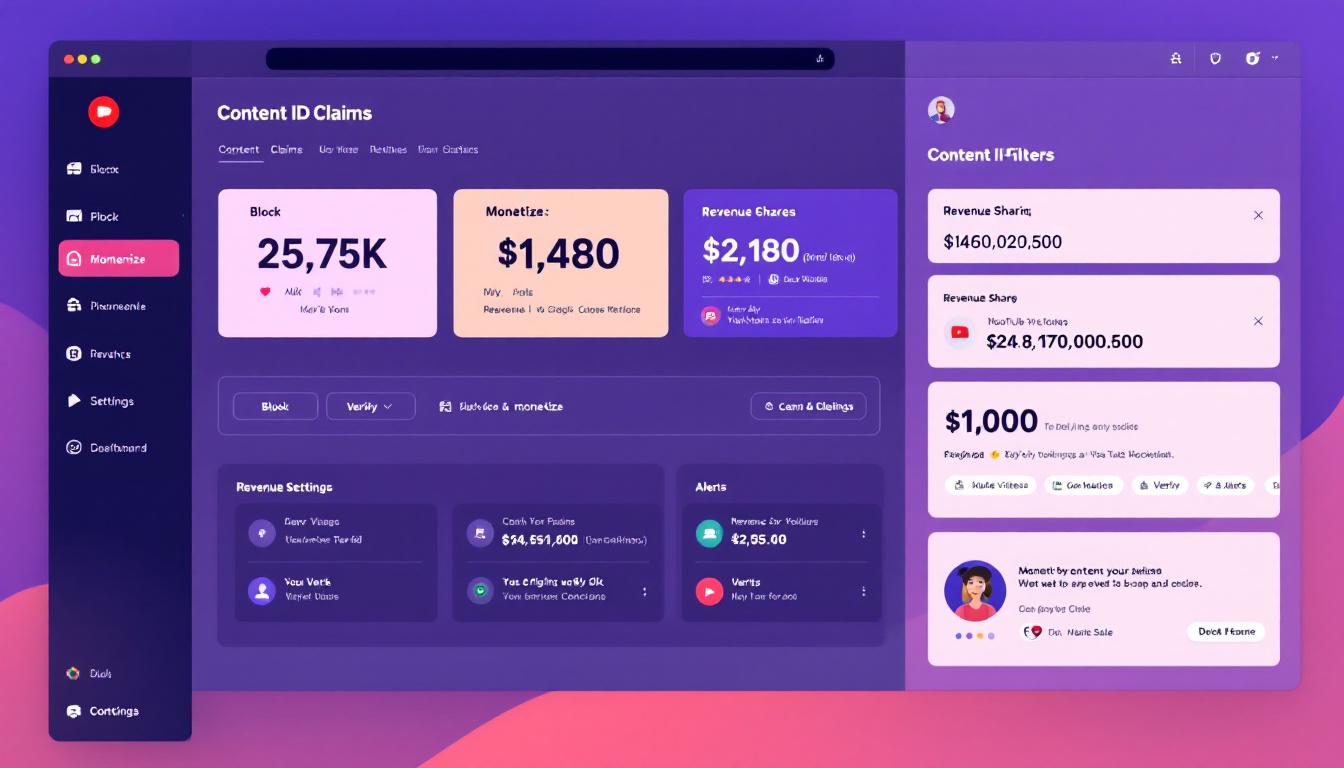
When you upload a video, YouTube’s Content ID system scans it for any bits of music, video, or images that match files registered by copyright owners. This digital fingerprinting works like an automated traffic cop: if it detects a match, it immediately acts based on the rights holder’s preferences.
A claim from Content ID can:
- Block the video for viewers in certain countries or worldwide.
- Mute the audio containing the copyrighted material.
- Monetize the video, running ads and sending ad revenue either to the copyright owner or splitting it with the uploader in some cases.
This all happens automatically and usually within minutes of uploading. You can find out more about the process in YouTube’s detailed guide: How Content ID works.
Setting Up Claim Filters and Revenue Sharing
YouTube Studio gives you practical control over incoming claims. By using claim filters, you decide what happens to matched content. For example, you can choose to allow certain tracks (perhaps from trusted partners) or set automatic revenue sharing.
Steps to set filters and share revenue:
- Open YouTube Studio and go to the Content section.
- Select the Copyright tab to view all current and past claims.
- Set up filters by adding trusted partners or approved music libraries so claims from these source files are handled with your custom rules.
- Choose your action for each set of content:
- Block the video
- Mute the audio
- Allow only tracking (so the owner can see stats, but not affect your video)
- Enable revenue sharing if the license allows
These features help you avoid unnecessary takedowns and support fair income arrangements when using third party materials. For a clear walk-through, YouTube offers guidance on setting up these policies: Learn about Content ID claims – YouTube Help.
Using Third‑Party Rights Management Services
For creators juggling many licenses or working with multiple contributors, specialized rights management services can be a lifesaver. These tools help you keep tabs on what’s licensed, track expiration dates, and update claim settings across many videos—sometimes in real time.
Popular content rights management solutions include:
- TuneCore: Not only helps musicians distribute their songs, but also registers works with YouTube’s Content ID for smoother claims and revenue tracking. Find out more: How does YouTube Content ID & Rights Ownership work?
- Xposure: Offers tracking and analytics for creator content, plus tools to manage claims and ensure you’re getting paid.
These services can automate a lot of manual work and keep your channel compliant without daily micromanagement.
Monitoring Dashboard Alerts
Stay in control by checking your claim alerts in YouTube Studio at least once a week. The dashboard gives a quick snapshot of anything new: fresh claims, ongoing disputes, or strikes that could risk monetization.
Here’s what to watch for:
- Green Checks: No problems—video is monetized and clean.
- Yellow Icons: Monetization limited or claimed by a third party; often revenue is being shared or withheld.
- Red Alerts: Video is blocked or removed due to a copyright strike—requires immediate attention.
Healthy channels rely on these alerts, just like checking your car’s dashboard for warning lights. Respond quickly, and you’ll keep your channel safe, legal, and earning.

Photo by greenwish _
With smart use of YouTube’s claim tools, plus occasional help from third party services, you can turn copyright challenges into manageable routine, not unexpected roadblocks.
Handling Disputes and Strikes
No matter how careful you are, copyright claims sometimes appear like sudden storms. They can feel personal, even unfair, but responding calmly and quickly is the secret to protecting your channel and keeping your hard work online. Let’s walk through the most practical steps to handle disputes and strikes on YouTube, so you don’t lose your channel or give up rights you’ve worked hard to secure.
Responding to Content ID Claims

When Content ID flags part of your video, it means the system matched your upload to a registered piece of music, footage, or art. Your next moves matter.
- Review the Claim Details: In YouTube Studio, open the video and click on the restriction warning. See what material was flagged, who claimed it, and which part of the video is affected.
- Decide Your Action:
- Accept the Claim: If the claim is correct and your use was not licensed, you can accept the outcome. This may mean sharing revenue with the rightsholder or simply allowing them to track the video stats.
- Mute or Replace Audio: For music claims, you may use YouTube’s tools to mute the specific section or swap the track for one that is safe.
- Dispute the Claim: Only dispute if you have clear proof (for example, a license, permission email, or if your use is covered by fair use or Indian “fair dealing” law). Upload your evidence when submitting a dispute.
Keep your contract scans, license receipts, and email permissions handy. You may need to attach these as proof. For a full walk-through, YouTube’s Dispute a Content ID claim guide gives step-by-step instructions.
Filing Counter‑Notices Properly
If your dispute is rejected and your video is taken down, you might need to file a formal counter-notice. This is a legal claim—only use it if you’re sure about your rights.
A valid counter-notice in India or on YouTube requires:
- A statement, signed by you, that you have good faith belief the content was removed by mistake or misidentification.
- Your full name, legal address, email, and phone number.
- An agreement to accept jurisdiction from courts in your area (often required under the DMCA and by YouTube), meaning you’re willing to resolve this in court if needed.
Once you submit, the claimant has roughly 10 working days to show they’ve begun legal action; if not, YouTube should restore your content. Missing or false information could put your channel at greater risk, so double-check every field. More on how this works is detailed at Fix a YouTube Copyright Claim Fast.
Managing Copyright Strikes
The stakes are higher when claims turn into copyright strikes. Three active strikes in 90 days means your channel is deleted, all videos are removed, and you can’t create another account. This rule can feel harsh, but it’s real.
How to handle a strike:
- Appeal Directly: In YouTube Studio, you can appeal a strike if you believe it was issued unfairly. Use the appeal form and provide details about your license, fair use, or other defense.
- Request Retraction: Reach out to the claimant (often an agency, company, or individual). If you have a deal or can show fair use, politely ask them to retract their complaint.
- Remove the Content: Sometimes taking down the video is the fastest way to protect the rest of your channel, but don’t forget the lesson—update your agreements for the future.
- Seek Legal Advice: If your channel or income is at risk, talk to a professional. Indian copyright law’s fair dealing rules might help you, but you’ll need an expert to make your best case. For up-to-date policy insights on channel risks and fair use enforcement, review the coverage at ANI’s copyright claims threaten YouTube channels.
Keeping your channel health in the green means acting fast when strikes hit. Don’t let time run out on appeals or counter-responses.
When to Seek Legal Help
Some copyright battles are too big to handle alone. You should contact a legal expert if:
- You receive a claim that could take down a large chunk of your content or revenue.
- Your contracts or permissions are being challenged despite evidence.
- The law feels unclear, especially with “fair dealing,” which is less specific in India than in some countries.
- You get notified that the other party is starting legal proceedings after you submit a counter-notice.
A good lawyer can help prevent big losses and may recover deleted content if action is swift. When disputes become complex, expert help is the best shield.
By tackling disputes with calm, proof, and a plan, you keep your channel safe for the long run—and keep creating with confidence.
Best Practices for Ongoing Compliance
Keeping your channel safe over the long run goes beyond signing fair contracts. It requires regular habits that protect you and build trust with everyone involved—from content partners to your viewers. Think of it as tending a garden: the small, consistent efforts prevent weeds from growing and let your creative work bloom without roadblocks. Below are key practices to keep your licensing and agreements fresh, clear, and effective as policies and platforms evolve.
Regular License Audits
Just like you wouldn’t drive a car without checking the oil and tires, your third-party licenses need regular reviews to stay valid. A quarterly audit is a straightforward way to confirm every song, clip, or graphic you use is properly licensed and current.
During these audits, check for:
- Expired licenses that need renewal.
- Any changes in terms from your licensors.
- Updates in the type of allowed use (commercial, online, duration).
- Missing documentation or unclear agreements.
Scheduling these checks helps prevent surprises like takedowns or claims that could disrupt your channel’s flow. Keeping a central folder or a rights management tool can make this job easier and faster each time.
Updating Agreements for New Policies
Platforms like YouTube update their rules often to keep pace with changing laws and technology. Your contracts can’t stay frozen if your channel is going to stay safe.
Add a clause that allows you to revise contracts whenever important platform policies change. This not only protects you legally but also keeps everyone aligned on what’s allowed and what isn’t.
When policies update:
- Notify your partners quickly by email or a shared platform.
- Explain the changes in simple terms.
- Ask for written acknowledgment or consent if major changes affect their work.
This open process stops misunderstandings and keeps agreements relevant. You can also link to YouTube’s official creator policies page for clear, referenced updates (YouTube Creator Policies & Guidelines).
Educating Your Team
Your editors, scriptwriters, and channel managers play a key role in compliance, even if they don’t deal with contracts directly. When everyone understands copyright basics and how to handle claims, the whole team acts like your channel’s legal watchdog.
Set up regular training sessions that cover:
- Basic copyright rules and fair use/fair dealing principles.
- License terms specific to your content sources.
- How to spot and report potential copyright flags before videos go live.
- Handling Content ID claims or disputes calmly and correctly.
Simple checklists or reference guides tailored to your workflow will keep knowledge top of mind. A well-informed crew reduces risks and speeds up responses when issues pop up.
Maintaining Transparency with Viewers
Viewers appreciate honesty, and transparency about third-party content can go a long way toward building trust. A brief disclaimer in your video or description acknowledging that some clips, music, or images come from other creators shows you respect their work and keeps your channel above board.
You might say:
- “This video includes licensed music from [source].”
- “Certain footage is used under agreement with the creator.”
- “We thank all rights holders for permission and support.”
This openness can prevent complaints from fans who might otherwise feel misled. It also shows potential partners you value ethical use and fair agreements. Transparency often reduces backlash and builds stronger community goodwill.
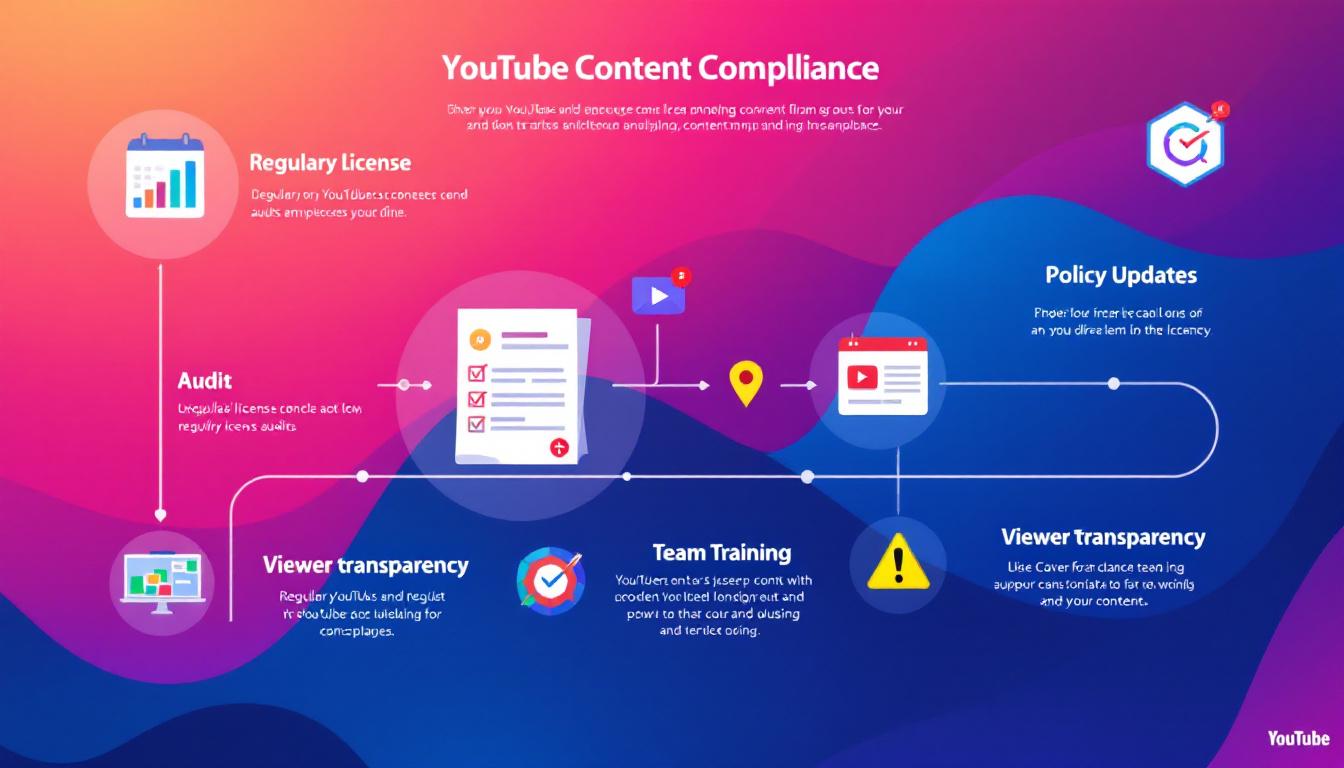
This illustration shows how regular compliance tasks keep your channel healthy and trustworthy. Image generated by AI.
These habits might seem small at first, but they add up. Regular reviews keep your licenses in good order, contract updates follow platform shifts, your team stays sharp on copyright, and viewers grow confident in your content’s fairness. Together, these steps make ongoing compliance part of your everyday workflow—a smart guardrail that lets your creativity reach further.
For a detailed look at the latest YouTube copyright rules relevant to creators in India, refer to the 2025’s Complete Guide to YouTube Copyright Rules. This ensures your compliance efforts are aligned with the newest platform requirements.
Conclusion
Successful use of third-party content starts with knowing exactly what rights you need and securing clear, written agreements. Solid contracts that cover scope, ownership, payment, credit, and exit terms protect your channel and relationships. Using YouTube’s tools to manage claims and revenue options helps you stay in control and avoid surprises.
When disputes arise, prompt, informed action is key. Handle claims with evidence, appeal strikes if needed, and seek legal advice on complex issues. Alongside this, build habits like regular license audits, team education, and staying transparent with your viewers to maintain a healthy channel.
Take a moment now to review your next upload. Confirm your licenses, review agreements, and set your claim filters. This small step protects your work and opens the path to steady growth. Your channel’s future depends on careful deals today.



