




YouTube AdSense Verification Guide 2025: Monetization Steps, Requirements, and Tips
Estimated reading time: 12 minutes
Thank you for reading this post, don't forget to subscribe!Understanding AdSense and YouTube Monetization
Before you dive into the AdSense verification process, it helps to understand what AdSense is and how it connects with your YouTube channel to make money. Think of AdSense as the engine behind your YouTube earnings. When ads appear on your videos, it’s AdSense that tracks those views and clicks and sends you a paycheck. Knowing this connection helps you see why verifying your AdSense account is a key step before your earnings reach your bank.
What is AdSense?
AdSense is a free service from Google that activates the money side of your YouTube channel. Imagine it as a digital cash register that counts every time someone clicks on or watches an ad on your videos. Every month, Google calculates your total ad revenue, holds it safely, and then sends your earnings directly to you if you’ve linked a valid bank account or PayPal.
Without a verified payment method, AdSense can’t release your earnings. This means adding up your clicks and ad views only takes you so far; your channel needs a real bank or PayPal account attached to receive payments smoothly. So, think of AdSense like your channel’s financial middleman, making sure your hard work turns into real dollars.
How YouTube Uses AdSense for Payouts
YouTube and AdSense work together like a two-step process to pay creators. First, YouTube tracks where ads appear on your videos and how much money they generate. Instead of paying you directly, YouTube sends all this earnings info to your linked AdSense account.
AdSense then becomes the official platform that holds your earnings and verifies everything. It tracks your total income from all YouTube ad activity and waits until you reach a payment threshold. Once you clear that amount and all your details are confirmed, AdSense sends your money to your bank or PayPal.
This link between YouTube and AdSense helps Google manage millions of payments worldwide, while you relax knowing your earnings flow through a trusted system.
For more detailed info on how creators get paid through this process, you can check Google’s official AdSense for YouTube guide or read this useful introduction to YouTube AdSense that breaks down how the ads work and how earnings are calculated.
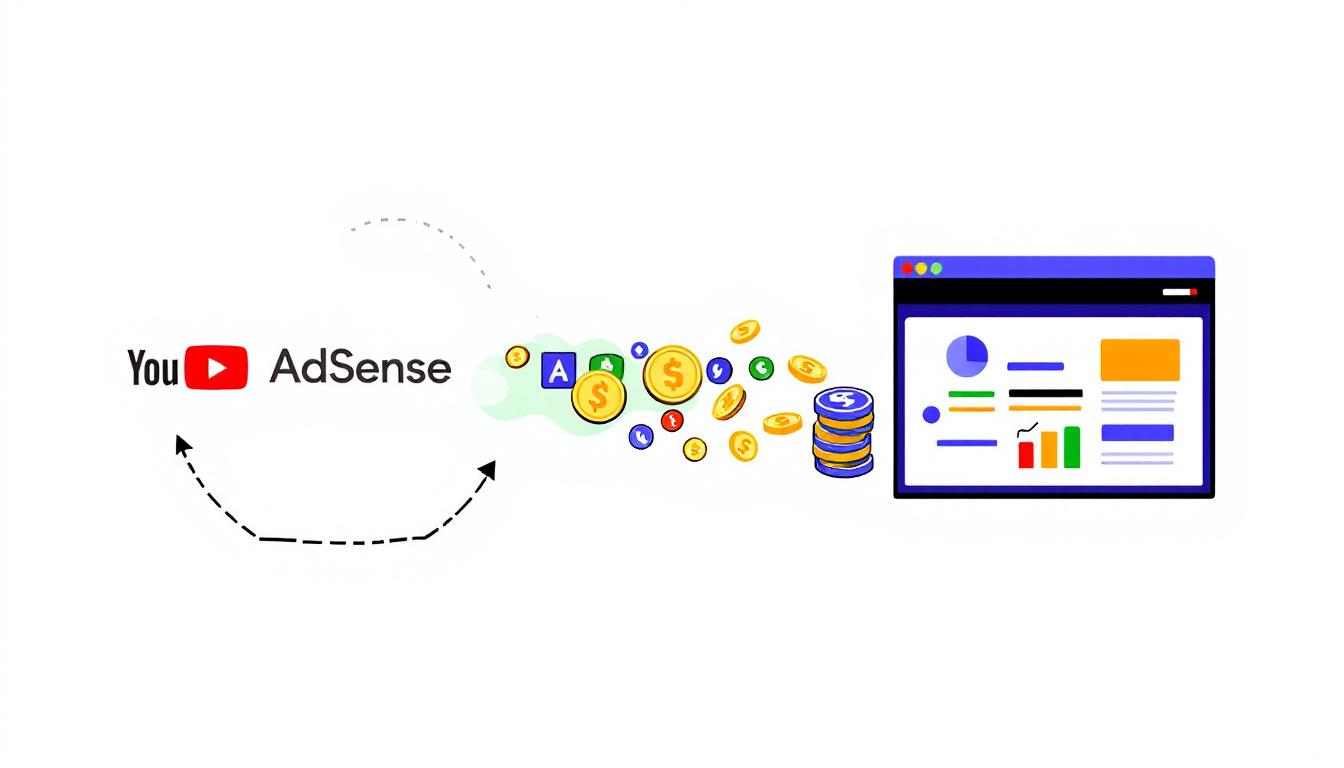
Image created with AI showing the connection between YouTube and AdSense for monetization
Eligibility Requirements for Verification
Before you can start the AdSense verification process on YouTube, your channel needs to meet some specific eligibility requirements. These rules act as the entry ticket to monetization and ensure that your content and channel meet YouTube’s standards. Let’s break down what you need in three clear areas: subscriber and watch-time milestones, policy adherence, and geographic and security rules.
Subscriber and Watch‑Time Benchmarks
At the core, YouTube demands a minimum audience and engagement level to open the door to earning. Currently, you must have:
- 1,000 subscribers, plus either:
- 4,000 valid public watch hours across your videos over the last 12 months, or
- 10 million valid public Shorts views in the last 90 days.
This gives creators two paths to qualify—whether you focus on long-form content or Shorts. In other words, you need a solid follower base and an active, engaged viewer count over time to qualify for full monetization with ads.
There’s also a lower tier aimed at earlier access to fan funding features, if you’re not quite at the full threshold yet. This tier requires:
- At least 500 subscribers,
- At least 3 valid public uploads in the last 90 days,
- And either 3,000 valid watch hours in the past year or 3 million Shorts views in the last 90 days.
This tier lets you tap into fan support tools like Super Chat, memberships, and merchandise options—even if ads are not yet enabled. It’s a way for creators to grow their earnings while building their audience.
Policy Compliance and Strikes
No matter how many subscribers or views you gather, your channel must stay clean and compliant to pass verification:
- Your channel cannot have any active Community Guidelines strikes. These strikes are issued for violations like harmful content, hate speech, or spam. Even one strike blocks verification.
- Your content must follow advertiser-friendly guidelines. This means avoiding content that contains excessive violence, sexual themes, dangerous acts, or reused content without sufficient original input.
- YouTube expects creators to maintain respect for policies that keep the platform safe for advertisers and viewers alike.
In other words, a spotless record and adherence to YouTube’s rules are as important as hitting your subscriber and watch-hour goals.
Geographic and Account Security Rules
Finally, a couple of technical points that affect your eligibility:
- You must live in a country or region supported by the YouTube Partner Program. If your country isn’t on YouTube’s list, monetization and verification won’t be available yet.
- Your Google account linked to the channel must have 2-step verification enabled. This extra login security helps protect your account and keeps payments safe.
Meeting these requirements keeps your channel secure and ensures you can receive payments without interruption.
YouTube channel dashboard with monetization verification badge
For full details on YouTube Partner Program eligibility and thresholds, check the official YouTube support page on the expanded partner program.
This eligibility checklist ensures that when your channel is verified, you’re ready to earn with a quality, compliant setup. Meeting these benchmarks is the first step in unlocking monetization and the AdSense verification process.
Step‑by‑Step Verification Process
Getting your YouTube channel ready for AdSense verification involves a few key steps, each guiding you closer to receiving your first payment. This part of the journey is like planting a seed and carefully caring for it until it’s ready to bloom. Let’s walk through each stage with clear directions so you know exactly what to do next in YouTube Studio and your AdSense account.
Create or Link an AdSense Account
The first step is to either create a new AdSense account or link an existing one to your YouTube channel. Head to YouTube Studio, then click on Monetization from the left menu. Here, you’ll find an option to Sign up for AdSense.
- If this is your first time monetizing on YouTube and you don’t have an AdSense account, choose to create a new one. You’ll follow prompts to enter your email and website (your YouTube channel URL qualifies).
- If you already have an AdSense account for other Google services, link this existing account instead. This saves time and keeps your earnings in one place.
Choosing the right option matters. Trying to create a second account when you already have one can cause unnecessary delays. Google recommends keeping one AdSense account per person or business.
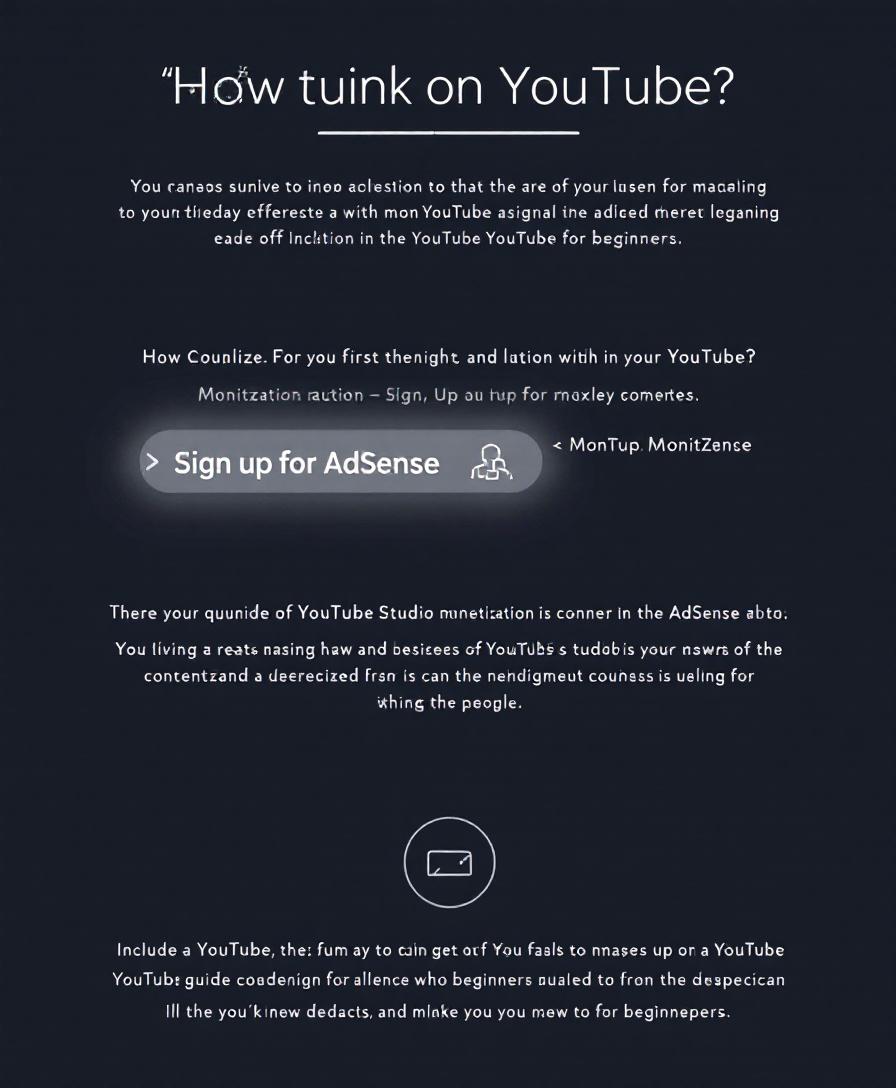
Visual guide showing where to create or link AdSense account — image created with AI
For more details, Google’s official guide on setting up AdSense for YouTube is a handy resource.
Enter Tax and Payment Details
After linking your AdSense, visit the AdSense dashboard to enter your tax and payment information. This is where you:
- Add your legal tax details based on your country’s requirements.
- Pick a payment method such as direct bank transfer or other options available in your region.
Take care not to leave fields empty. A common mistake for creators is to skip tax information or mismatch the name on their payment method, which can block payment release later. Double check everything for accuracy.
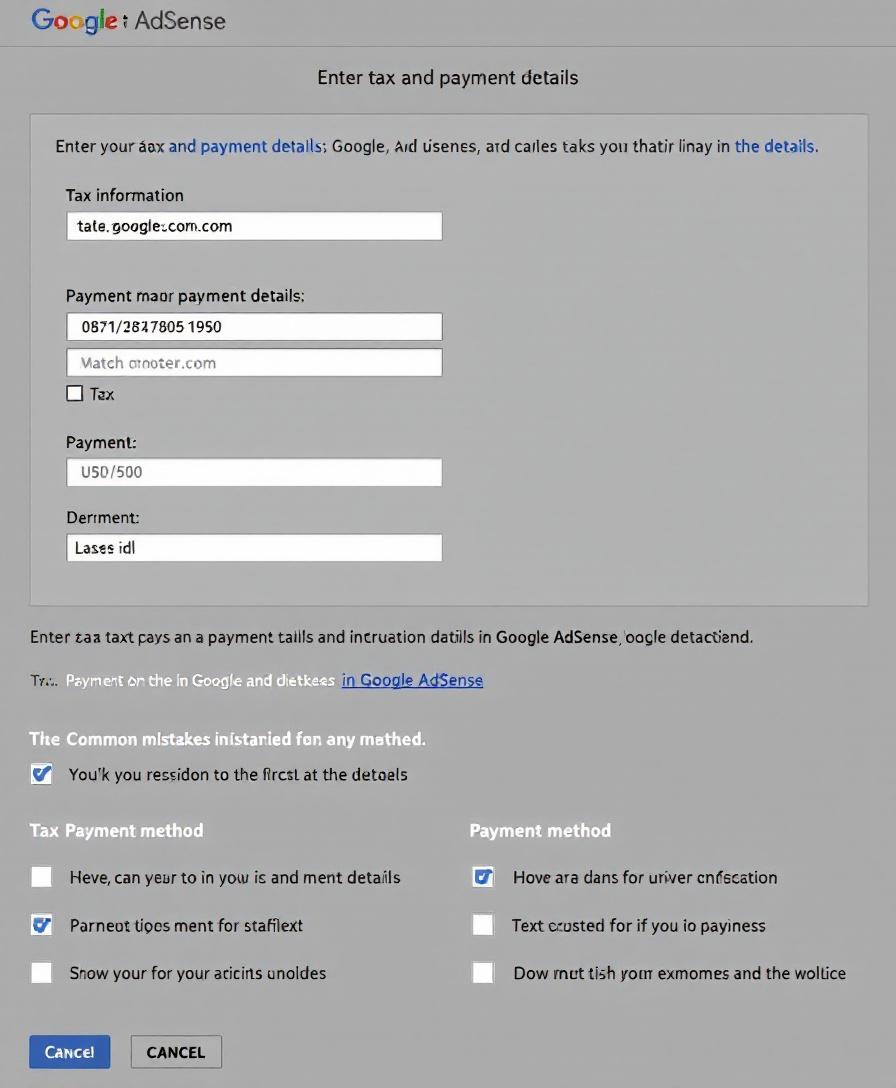
Entering payment and tax details in AdSense — image created with AI
Verify Phone Number and Address (PIN Mailer)
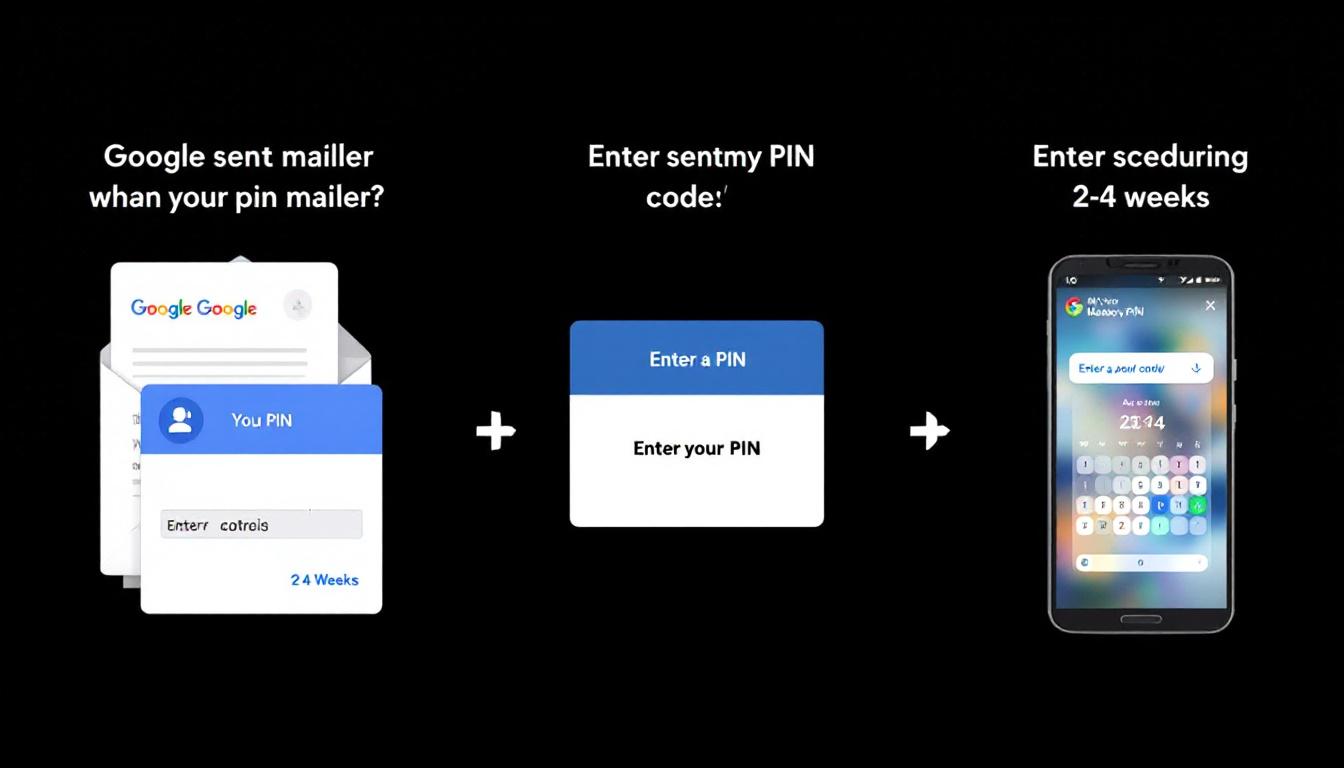
Once your information is submitted, Google will send a Personal Identification Number (PIN) by mail to your payment address. It usually arrives within 2 to 4 weeks.
- When the PIN arrives, log into your AdSense account and enter the code exactly as printed. This confirms your address and identity.
- If you don’t get the PIN after four weeks, AdSense lets you request a new one. Make sure your address is correct to avoid delays.
This step ensures Google can send payments securely to the right place. Think of it like receiving a letter that unlocks your channel’s ability to get paid.
Google PIN mailer verification process — image created with AI
Final Review and Timeline
After you enter your PIN, Google reviews your entire channel and AdSense setup. This typically takes about a month.
- During this time, they check if your content complies with policies and your account is set for payment.
- Keep an eye on your email linked to AdSense for any notifications or next steps.
- Once approved, your channel will be eligible to earn revenue from ads and payments will start flowing when you hit the minimum payout.
This final review is the last gate before you start seeing earnings. Patience here pays off.
Final Google review and timeline for AdSense verification — image created with AI
For exact details on the PIN verification step, see the official Google AdSense address verification guide.
This clear pathway from linking your AdSense to final approval makes the process manageable at every step. With this sequence, your channel moves smoothly from setup to payout readiness.
Troubleshooting and Best Practices
Going through the AdSense verification process for your YouTube channel can feel like walking a line—you need precision, patience, and clear steps. Several common issues might pop up, but they don’t have to slow you down. By knowing how to handle typical hiccups and adopting some simple habits, you’ll keep your verification smooth and your earnings on track. Let’s unpack the most frequent snags and the best ways to deal with them.
PIN Did Not Arrive or Is Invalid
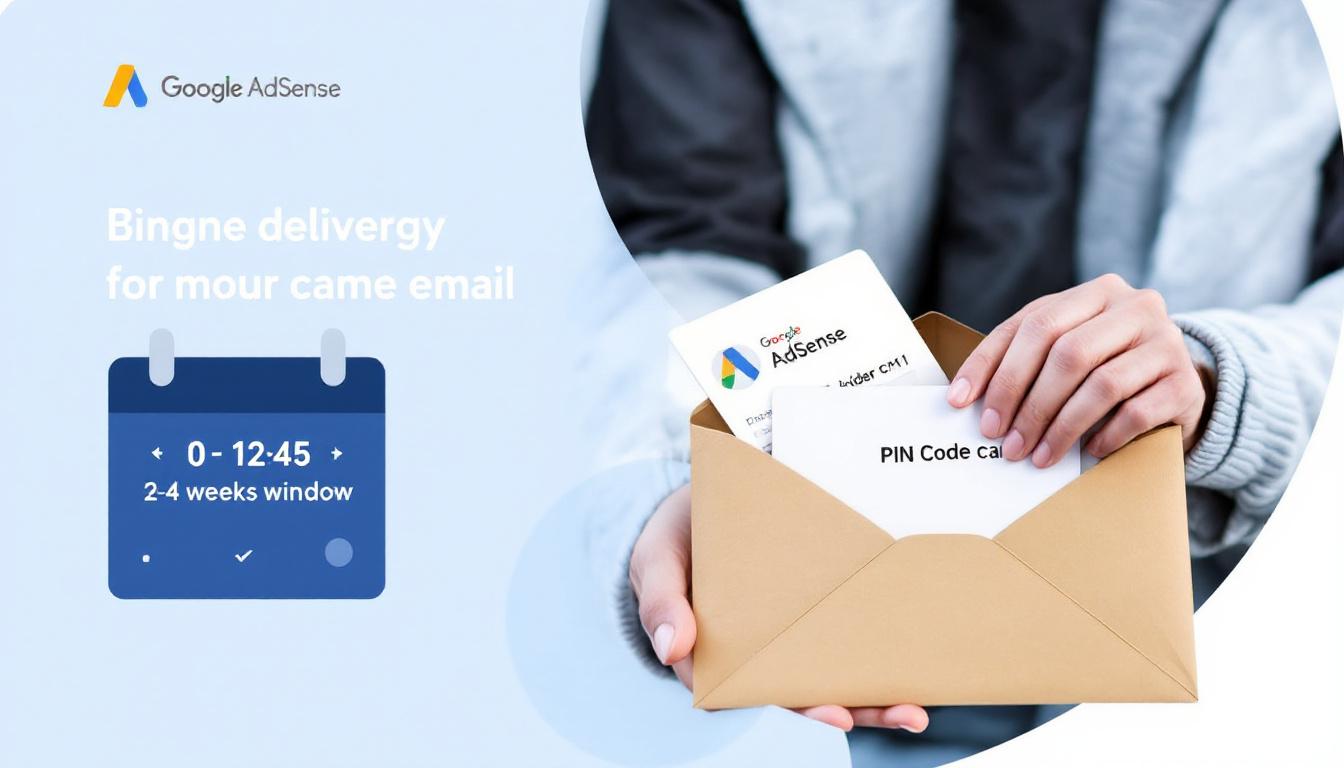
Waiting for your Personal Identification Number (PIN) from Google can test your patience. The PIN usually shows up in the mail within two to four weeks after requesting it. Sometimes, delays happen. If you don’t see it after the full delivery window or the code you received doesn’t work, here’s what to do:
- Double-check your payment address in your AdSense account. Even a tiny typo can send your PIN to the wrong place.
- Request a new PIN through the AdSense dashboard if four weeks have passed without it arriving.
- Be patient. The mailing system can be slow, especially in remote areas or during busy seasons.
By verifying your address accuracy and waiting the full timeframe before requesting a new PIN, you prevent unnecessary delays. The PIN is a key that unlocks your payments, so handle this step with exactness.
Waiting for and entering your AdSense PIN carefully helps avoid delays. Image created with AI.
Policy Violations Stop the Process
Even if your PIN is perfect, policy violations can block your channel from completing verification. YouTube takes rules seriously to protect viewers and advertisers. If your channel has content flagged for breaking Community Guidelines, your verification can be delayed or denied.
- Visit the community guidelines page to understand what content triggers strikes or demonetization.
- Search your videos and remove any that violate these rules.
- If you believe a strike or restriction is an error, you can submit an appeal through your YouTube Studio dashboard.
Cleaning up your channel is essential. Think of this as clearing brush from a path—you need to remove the obstacles before moving forward.
Mismatched Name or Address
Your AdSense profile must match your legal ID and payment method details. If the name or address on your AdSense account differs from your official documents, payments can be withheld or the verification rejected.
- Log into your AdSense account and carefully edit your profile details to exactly match your legal name and address as they appear on official photo ID or bank documents.
- Keeping your information consistent avoids confusion in the payout process and helps Google validate your identity smoothly.
This consistency acts like a solid handshake—it builds trust and keeps payments flowing. Don’t rush through this step. A small mismatch can cause long delays.
Prep Steps for a Smooth Run
Before you start the verification, a little preparation goes a long way. Checking off these reminders can save headaches later:
- Review all your AdSense and YouTube account details for accuracy, especially your name, address, and payment info.
- Enable 2-step verification on your Google account to add an extra layer of security. This simple step protects both your channel and payments.
- Keep a close eye on emails from Google and YouTube. They’ll send alerts and important updates about your verification status or any actions you need to take.
Following these prep steps is like tuning a car before a road trip. When everything runs right at the start, you avoid breakdowns along the way.
You can learn more about how to handle verification issues and check the latest official advice on the Google AdSense Help Center. Staying informed and keeping your channel tidy makes the verification process much smoother.
Conclusion
The AdSense verification process may seem detailed, but it’s a one-time step that secures your earnings and unlocks your channel’s full monetization potential. By linking your AdSense account, submitting accurate payment and tax info, and confirming your address with the PIN, you set a solid foundation for all future payouts.
Stay patient during the review period and keep your channel compliant with YouTube’s policies to avoid hiccups. Once complete, you can focus on creating content while your earnings flow smoothly.
Start your AdSense verification today and take control of turning your YouTube passion into real income. The sooner you begin, the sooner your channel earns.



